How to Protect Your Kids' Gaming Accounts
Children are prime targets for gaming scammers. Here's how parents can help protect them.
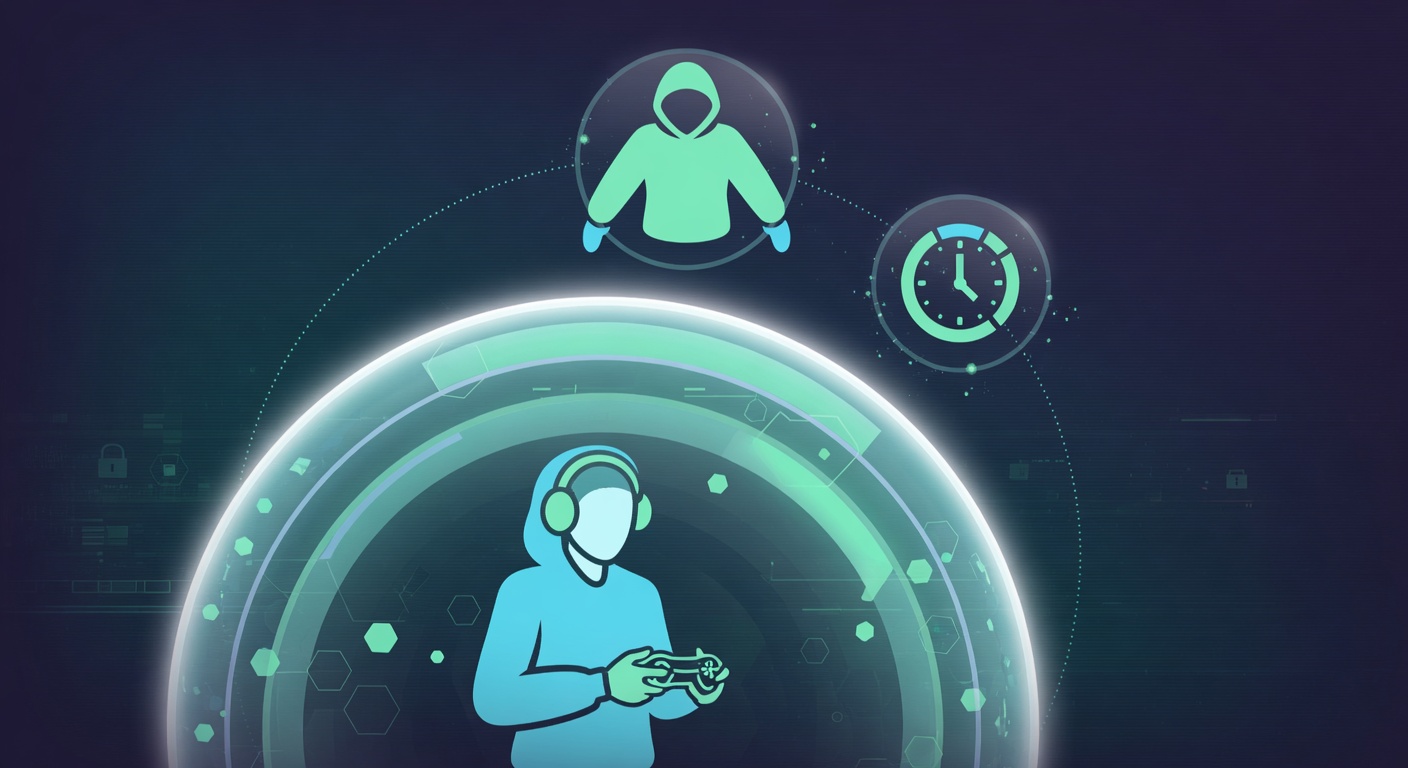
Kids are often targeted by scammers because they're more trusting and less security-aware. Here's how to protect them.
Common Scams Targeting Kids
- Free Robux/V-Bucks scams - Promise free currency, steal accounts
- Trading scams - Trick kids into unfair trades
- Impersonation - Pretend to be YouTubers or Roblox admins
- Malware downloads - Fake game mods or cheats
Not ready yet? Run a free breach check on this email
We’ll check it against 13.1B+ leaked records right now — no account needed. Continuous monitoring & alerts are part of Protection.
Essential Safety Steps
1. Use Parental Controls
- Roblox: Enable Account Restrictions
- Fortnite: Enable Parental Controls
- PlayStation/Xbox: Use family settings
- Steam: Enable Family View
2. Set Up Two-Factor Authentication Help your child enable 2FA on all their gaming accounts. Use an authenticator app on YOUR phone for their accounts.
3. Add Purchase Protection
- Require password/PIN for purchases
- Use prepaid cards instead of linked credit cards
- Set spending limits
4. Educate About Scams Teach your kids:
- "Free" in-game currency is ALWAYS a scam
- Never share passwords with online friends
- Don't click links in game chat
- Real staff never ask for passwords
5. Monitor (But Don't Spy)
- Know what games they play
- Have conversations about online friends
- Review friend lists occasionally
- Check for unusual purchases
Red Flags to Watch For
- Sudden loss of in-game items
- New "friends" asking for personal info
- Requests to log in on external websites
- Unexpected password reset emails
See what a stranger can find about you
One email is enough. We check it against known leaks and against the people-search sites that publish your name, address and phone — then show you what to do about each one. About 15 seconds. No card, no account. Details go to your inbox.
Already exposed?
You can’t unleak data. You can take away what it’s worth.
A leaked record is where it starts, not where it ends. What turns it into your front door is the look-up sites publishing your address beside your name — and those are what an AI reads when somebody asks about you. The free scan shows you both. We write to 580 companies.
See what is exposed about you — free scan →